
In many clinics, booking an appointment is still a manual process that swamps staff with calls and messages. Patients, meanwhile, expect fast, clear answers when they book, move or cancel an appointment, without waiting on hold or repeating their details.
A WhatsApp appointment agent is meant to solve exactly that: it shows the available times and books the appointment from the first message, and it leaves everything that is not administrative to your team. How does it really work, and what are its limits in a clinic? Here is the process step by step, with examples and requirements.
What does a WhatsApp appointment agent do in a clinic?
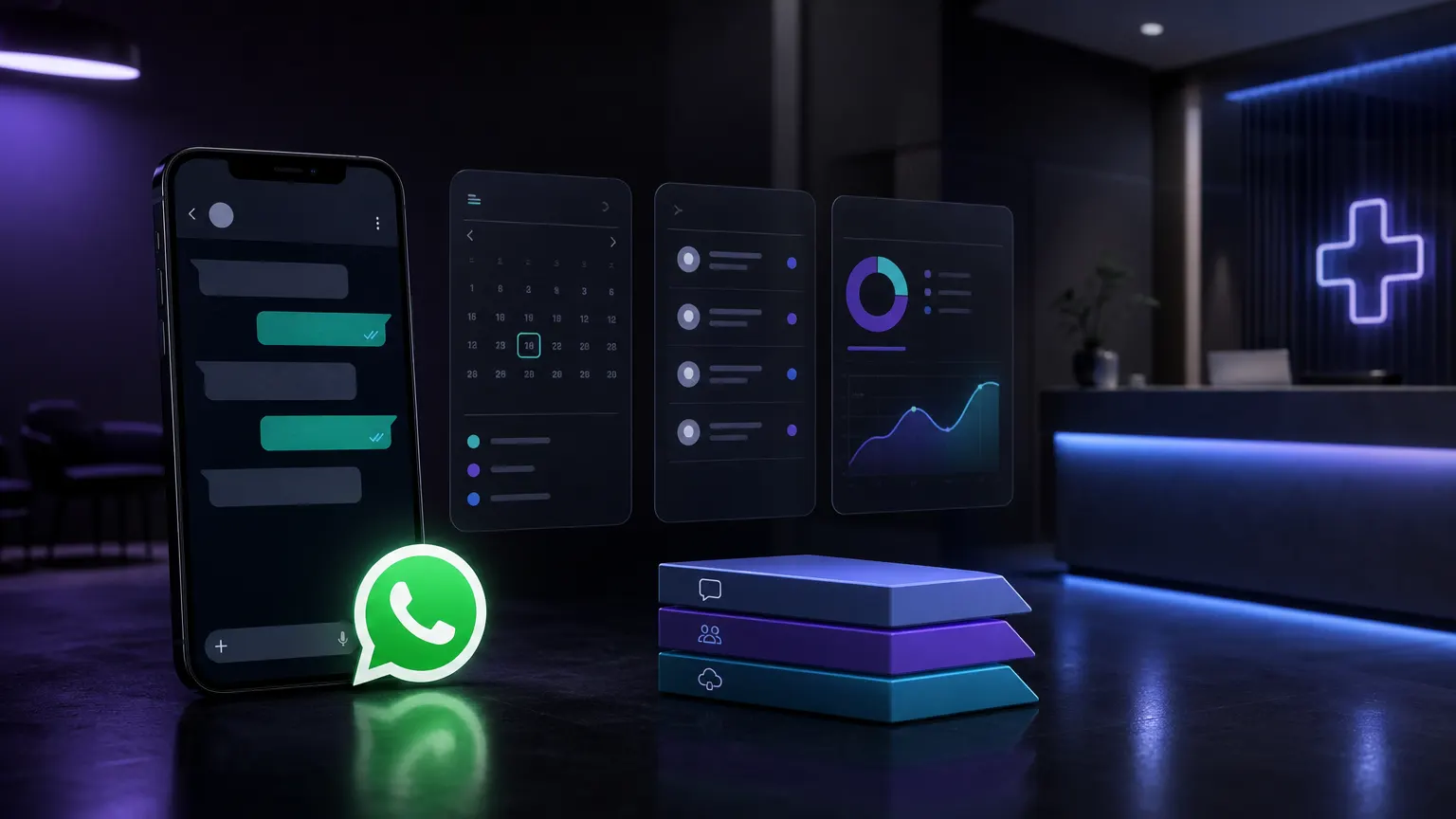
The flow starts when a patient messages the clinic’s WhatsApp number. For example, if someone writes: “I’d like an appointment with cardiology on Thursday afternoon,” the agent replies within seconds with the times from your list of specialists. Once the patient chooses, they get a summary to confirm: specialist, day, time, cost and location. After confirming, the appointment lands in your calendar.
A typical exchange looks like this, with fictional data:
- Patient: “Is there a dermatology slot this week?”
- Agent: “Sure, these times are available… Which do you prefer?”
- Patient: “Friday at 2 pm.”
- Agent: “Dr. Lee, Friday at 2 pm. What name should I book it under?”
- Patient: “Ana Torres.”
- Agent: “Done, your appointment is booked.”
The agent asks only for what the appointment needs: specialty, day, time and name. It does not ask for clinical data or give diagnoses. See the service details.
Step-by-step flow: from the first message
Here is how the agent operates, in concrete steps:
- The patient starts the conversation by asking for an appointment.
- The agent identifies the specialty and shows the days and times from your list of specialists.
- The patient picks a time and gets a summary with specialist, day, time, cost and location.
- After confirming, the appointment lands in your calendar. If you have no online calendar, it goes to Google Calendar or your team confirms it.
- If the patient wants to move or cancel, the agent shows the options and updates the appointment.
This flow is adjusted to each clinic, always within administrative tasks and without handling clinical data.
Reminders, confirmations and payments are separate agents, quoted separately. WhatsApp reminders require templates approved by Meta and the patient’s explicit permission.
What must a WhatsApp appointment agent never do?
A WhatsApp appointment agent is limited to administrative tasks: days, times, costs, location, and booking, moving and canceling appointments. It must not:
- Diagnose, give medical advice or choose a specialist based on symptoms.
- Handle emergencies.
- Ask for clinical information.
- Read photos or audio: this version works with text only.
When a message goes beyond the appointment, the agent replies with a fixed text approved by the clinic and alerts your team. That text includes 911, Línea de la Vida (800 911 2000), the real hours your team replies and how to ask to talk to a person.
For example, if a patient writes: “I feel really bad, what should I do?” the agent does not interpret the message: it sends that fixed text and alerts the person on your team who handles the alerts.
What does a clinic need to get started and how long does it take?
Nothing technical. To get the agent running, we need:
- The list of specialists, with days, times and consultation costs.
- How you book appointments today: a system, Google Calendar or a notebook. If another integration is required, it is quoted first.
- The WhatsApp number you would use, with the accounts in the clinic’s name. Before you pay, we check whether it can stay on the app.
- The clinic’s privacy notice and patient permission, reviewed with its lawyer.
- A person on your team who receives the alerts during their hours.
The E Tech Code appointment agent uses the official WhatsApp API, Meta’s WhatsApp Business Platform. Meta must approve the account and may set conditions and timelines for the health sector. It goes live in about 3 weeks from the deposit, with one schedule for up to 10 specialists, as long as the clinic delivers its list and Meta approves the account in that window. Pricing and maintenance are on the WhatsApp appointments for clinics page. WhatsApp messages, the server and AI usage are paid separately.
Example: what does the automated conversation look like?
Imagine a new patient writes, with fictional data:
- “Hi, do you have gynecology slots on Tuesday?”
- Agent: “Yes, these times are open… Which do you prefer?”
- Patient: “10 am.”
- Agent: “Dr. Rivera, Tuesday at 10 am. What name should I book it under?”
- Patient: “Maria Gomez.”
- Agent: “Done, your appointment is booked for Tuesday at 10 am.”
At any point, if the patient asks about symptoms or medical advice, the agent replies with the clinic’s fixed text and alerts the team. The person can always ask to talk to someone.
Appointment management options: comparison table
| Option | Response time | Automation | Handoff to a person |
|---|---|---|---|
| Phone call | Depends on who answers | No | Yes |
| WhatsApp (manual) | Depends on who answers | No | Yes |
| Automated WhatsApp agent | Seconds | Yes | Yes, for anything non-administrative |
The agent replies faster without taking control of sensitive cases away from your team.
Legal and privacy considerations
Number, accounts and server stay in the clinic’s name. Messages pass through WhatsApp and the AI provider, and we do not store conversations. Patient data is processed under a data processing agreement with the clinic.
The clinic should review its privacy notice and patient permission with its lawyer. In Mexico the Federal Law on Protection of Personal Data Held by Private Parties applies, and in Spain the GDPR. For more on automation with controls, see Operational automation with human controls and Automate a repeated task with clear limits.
How does the agent integrate with the clinic’s calendar?
It works with WhatsApp alone: you do not need a website or an appointment system. If you have no online calendar, appointments go to Google Calendar or your team confirms them. If you use your own system, we review the integration and quote it before starting.
If it stops being useful, it is switched off and the number stays with the clinic.
Frequently asked questions
Can the WhatsApp appointment agent give diagnoses?
No. The agent only shows times and costs, and books, moves or cancels appointments. It does not interpret symptoms or give medical advice. If a patient mentions symptoms, it replies with the clinic’s fixed text and alerts the team.
How long does it take to get the agent running?
About 3 weeks from the deposit, as long as the clinic delivers its list of specialists and Meta approves the account in that window. Meta’s approval does not depend on us.
Can the agent handle emergencies or crisis messages?
No. If someone writes about an emergency, they get the fixed text approved by the clinic, with 911, Línea de la Vida 800 911 2000 and the team’s hours, and the team is alerted. The person can always ask to talk to someone.
What does a clinic need to get started?
Its list of specialists with days, times and costs, the WhatsApp number it would use, its privacy notice reviewed with its lawyer and a person who receives the alerts. Nothing technical.
Who owns the number, the accounts and the data?
The clinic. Number, accounts and server stay in its name; patient data is processed under a data processing agreement and we do not store conversations. Messages pass through WhatsApp and the AI provider.
Can it send reminders or collect payment?
Not in this version. Reminders, confirmations and payments are separate agents, quoted separately.
Conclusion
A WhatsApp appointment agent handles the administrative side of scheduling in clinics and practices and leaves the rest to your team. Because it automates only administrative tasks, anything sensitive goes to a person.
At E Tech Code we have built WhatsApp chatbots with Meta’s official API. If you want to bring this to your clinic or practice, see the WhatsApp appointment agent for clinics or tell us about your project: we reply within one business day.
Sources
- WhatsApp Business Platform, Meta, accessed on 2026-11-05.