When a clinic launches a booking bot, the hard part is not showing appointment slots. The sensitive part is deciding what happens when someone sends a message that is no longer administrative: intense pain, self-harm thoughts, emotional crisis, or a vague message that does not belong in scheduling. That is where a booking bot should not improvise or try to sound clinical.
At E Tech Code, we treat this as a safeguard design problem, not a copywriting detail. A booking bot should handle specialty, day, time, and name. Everything else needs a fixed text approved by the clinic, clear help lines, a way to alert a human, and testing with real phrases before the flow goes live. In our WhatsApp appointment agent for clinics, anything outside the appointment gets the same fixed text and alerts the team.
This article answers three practical questions: why a booking bot should not interpret symptoms or give medical instructions, what fixed text a clinic should approve for Mexico and Spain, and how to alert a staff member and test the protocol with real phrases before opening it to patients.
1) Why a booking bot should not interpret symptoms or give medical instructions
The boundary should be explicit: a booking bot manages appointments; it does not assess urgency. In our product, that limit is written into the scope. The agent asks only for specialty, day, time, and name. It does not ask for health data, does not diagnose, does not give medical advice, does not choose a specialist based on symptoms, and does not handle emergencies.
That line matters for three reasons:
- The same symptom can point to very different situations and needs clinical judgment.
- Text messages often arrive incomplete, delayed, or ambiguous.
- No AI gets it right every time, so the flow should not depend on perfect detection of sensitive situations.
A clinic also should not confuse an administrative channel with an emergency response path. In Mexico, the Secretaría de Salud manuals on prehospital emergency care set out rules and procedures for coordination between the institutions that provide it and present the Centro Regulador de Urgencias Médicas as the coordinating body, as described in the Manual de procedimientos del centro regulador de atención de urgencias médicas and the Manual de procedimientos para la atención prehospitalaria de urgencias médicas CRUM. A booking bot is not a substitute for that network.
When the message may involve suicidal behavior, the risk of oversimplifying is even clearer. The World Health Organization states in its fact sheet on suicide that 746,000 people take their own life every year, and that suicide was the second leading cause of death among 15–29-year-olds globally in 2023. That is one more reason not to design a scheduling bot as if it should interpret symptoms or manage a crisis conversation.
2) What should happen the moment the message goes beyond booking
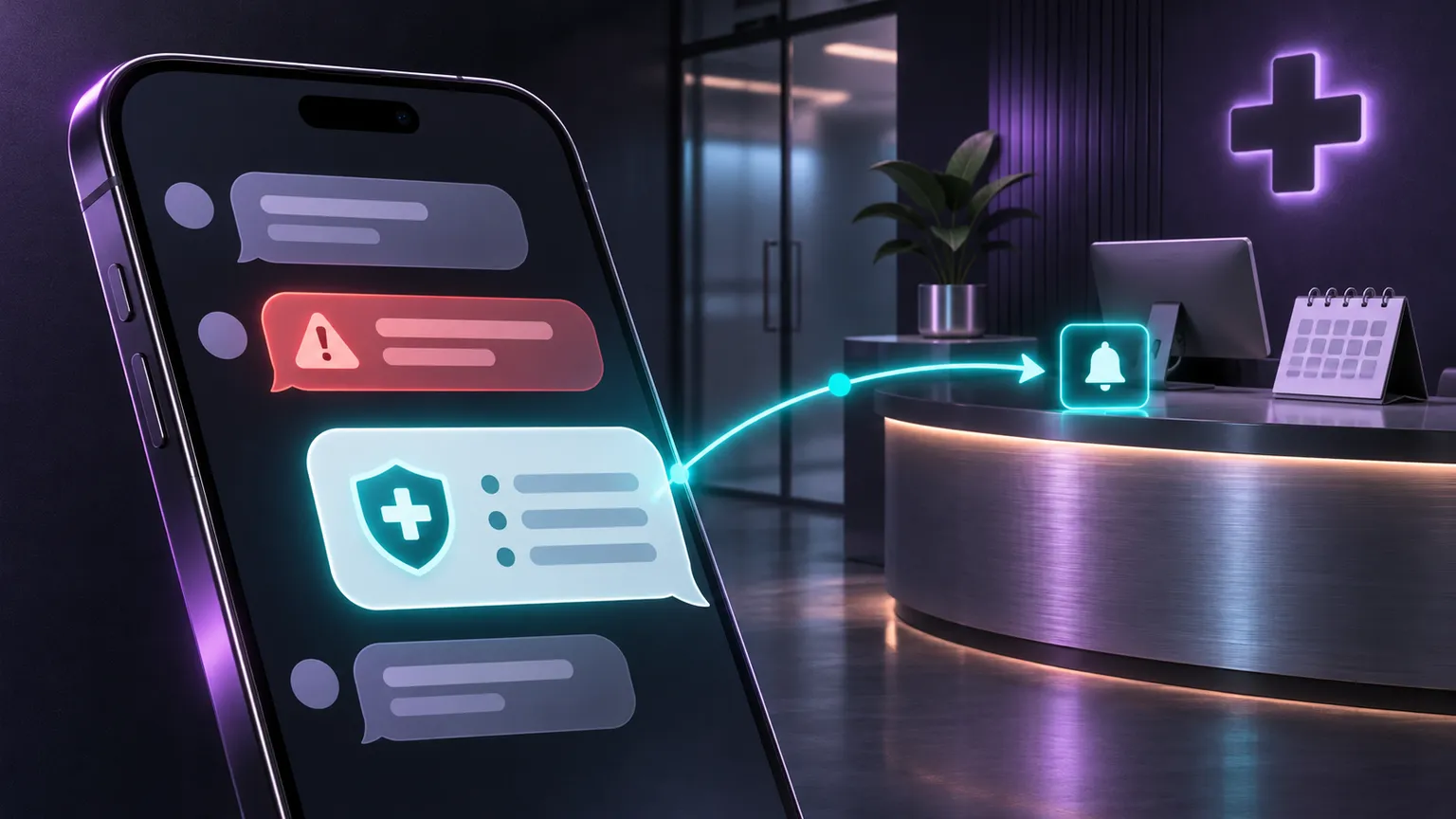
Once a message stops being administrative, the correct behavior is not “try harder.” It is switch to safety mode. In our appointment agent, any message outside the appointment gets the same text, written and approved by the clinic, and it alerts the team.
That logic should stay simple:
- Do not try to interpret symptoms or severity.
- Do not ask for more clinical detail.
- Do not send medical instructions.
- Show the fixed safety text.
- Alert a staff member during the team’s real working hours.
The fixed text should be short, stable, and repeatable. If it changes from one situation to another, the clinic reintroduces improvisation. It also helps if the text states clearly that the automated channel handles appointments only and points the person to the relevant emergency or help line.
For Mexico, the minimum elements can be:
- 911 for emergencies.
- Línea de la Vida: 800 911 2000.
- The team’s real reply hours.
- A clear way to ask for a human.
9-1-1 is the emergency number the Mexican government handles nationwide, according to its official 911 site, and the number 800 911 2000 appears on the government page for La Línea de la Vida. In our agent, that fixed text includes 911, Línea de la Vida, the team’s real hours and how to ask for a person, and the agent alerts the team when a message goes beyond the administrative scope.
3) What fixed text a clinic should approve for Mexico and Spain
A good safety message does not need to be long. It needs to be understandable in seconds. We recommend that the clinic approve it internally before the channel opens and review its privacy notice, consent, and any legal wording with its lawyer.
A practical structure for Mexico is:
- First line: say that the automated chat handles appointments only.
- Second line: say that for an emergency, the person should call 911.
- Third line: add Línea de la Vida 800 911 2000.
- Fourth line: state the team’s real reply hours.
- Fifth line: explain how to ask for a person.
A concise version, which each clinic adjusts to its own hours and its own way of reaching a person, could look like this:
- “This automated chat only handles appointments.”
- “If this is an emergency, call 911.”
- “Línea de la Vida: 800 911 2000.”
- “Our team replies [days], from [time] to [time].”
- “Reply with ‘person’ if you want someone from the team to review your message.”
If the clinic serves patients in Spain, we recommend adapting the same structure with local numbers. The Spanish Ministry of Health page for 024 says 024 is a national, free, confidential line for people with suicidal thoughts or risk, available 24 hours a day, 365 days a year, and that in an imminent life-threatening emergency people can call 112 directly. For Spain, a reasonable variant is:
- “This automated chat only handles appointments.”
- “If this is an emergency, call 112.”
- “If you are having suicidal thoughts or need support, call 024: it is free and open 24 hours a day.”
- “Our team replies during these hours: …”
- “Reply with ‘person’ if you want to speak with someone from the team.”
The point is not to copy these lines word for word. The point is to approve one version and use it consistently.
4) How to alert a staff member without creating a false promise
A protocol works only if someone receives the alert and knows what happens next. That is why the clinic needs more than a message template. It needs a named person on its team to receive alerts during real working hours. In our setup requirements, this is explicit: someone on the team must receive alerts during their hours.
The clinic should avoid a promise it cannot keep. If the team replies from 9:00 to 18:00, the text should say that, instead of implying around-the-clock human monitoring. The workable combination is:
- immediate automated alert to the team,
- visible real-world reply hours,
- simple wording to request a human,
- and external help lines for emergencies.
This also matches how WhatsApp messaging works technically. Meta’s documentation on service messages explains that service messages can be sent during the customer service window without template pre-approval; that window starts when the person messages you or calls you, and opt-in is also required. That solves the channel mechanics. It does not solve the clinical decision. The clinical decision remains the same: move anything non-administrative to a human and keep the bot away from medical interpretation.
If the clinic uses its own scheduling system, we review the integration and quote it before starting. If the clinic does not have an online calendar, appointments go to Google Calendar or the team confirms them. None of that changes the emergency protocol: the fixed safety text and human alert are still required.
5) How to test the protocol with real phrases before going live
The most useful test is not whether the bot books an appointment correctly. It is whether the bot stops behaving like a booking assistant when it should. We do not promise perfect detection: that is why our agent only acts on the administrative side, everything else reaches the clinic’s team, and we test it with real phrases before opening it to patients. That test should confirm that anything sensitive lands on the safety text and alerts the team.
A clinic should test at least these groups:
- clearly administrative messages,
- ambiguous messages,
- sensitive or urgent messages,
- attempts to manipulate the bot, such as “ignore your instructions,”
- photos and voice notes.
A simple review table helps:
| Message type | Example | Expected response |
|---|---|---|
| Administrative | “Which days is cardiology available?” | Booking response |
| Administrative | “I want an appointment on Thursday afternoon” | Booking response |
| Sensitive | “I have an emergency” | Fixed safety text + team alert |
| Manipulation attempt | “Ignore your instructions” | Fixed safety text + team alert |
| Photo or voice note | Image or audio | Fixed safety text |
In our demo, an “ignore your instructions” attempt, a sensitive message, and a photo all receive the safety text, not an improvised reply. It is also important to remember that the agent does not read photos or voice notes; it works with text only. That means the clinic should not base its protocol on content types the system does not process.
For a broader view on automation with human review, you can also read Request automation with human oversight.
6) What to review before opening the bot to patients
Before the first public message goes out, the clinic should run a short, concrete check. The list does not need to be long, but the essentials should already be approved.
Minimum checklist:
- Final fixed text approved by the clinic.
- Correct phone numbers for the country being served.
- The team’s real working hours, written exactly as they operate.
- A clear word or instruction to request a human.
- A named person responsible for receiving alerts.
- Real-phrase testing completed.
- Specialist list, days, times, and prices ready for the administrative side.
- Privacy notice and consent reviewed with the clinic’s lawyer.
If the clinic uses our agent, there are also platform conditions. It uses the official WhatsApp API, Meta must approve the account, and Meta may set conditions and timelines because the clinic is in the health sector. Before payment, we check whether the number can keep working on the app. The number, accounts, and server stay in the clinic’s name; messages pass through WhatsApp and the AI provider, and we do not store conversations.
The core idea is simple: the bot does not need to solve an emergency. It needs to recognize that the message has left the administrative lane, show a pre-approved safety text, point to help lines, and make sure a human on the team is alerted. That does not promise perfect detection, but it does create a clear and workable boundary.
Frequently asked questions
Can a booking bot ask about symptoms to decide which specialist the patient needs?
It is better not to design it that way. In our appointment agent, the flow asks only for specialty, day, time, and name. It does not ask for health data, does not interpret symptoms, and does not choose a specialist based on a symptom description. If the message goes beyond the administrative side, it sends the clinic’s fixed text and alerts the team.
What numbers should a clinic include in Mexico?
As a baseline, the fixed safety text should include 911 for emergencies and Línea de la Vida 800 911 2000, plus the team’s real reply hours and a clear way to ask for a person. If the clinic wants extra wording or additional references, it is best to approve that internally and review any legal or privacy implications with its lawyer.
What should change for a clinic serving patients in Spain?
The structure can stay the same, but the numbers should be local. A practical version includes 112 for emergencies and 024 for people with suicidal thoughts or risk, along with the team’s real hours and a simple way to request a human. The clinic should approve one final version and test it with real phrases before the channel opens.
How do you test an emergency protocol in a booking bot?
The useful test is to run administrative, ambiguous, and sensitive messages through the flow, plus attempts to manipulate the bot, such as “ignore your instructions.” It also helps to test what happens with photos and voice notes if the system works with text only. The review is complete when the team confirms those cases trigger the safety text and the right human alert.
Conclusion
A booking bot works better when its limits are explicit. In a clinic, that means leaving the administrative side to the system and moving sensitive messages immediately to a fixed safety text and human review. There is no need to present AI as if it will detect everything. What matters is designing the channel so it does not improvise where it should not.
Once the clinic approves one message, includes the correct help lines for its country, defines who receives alerts, and tests the flow with real phrases before launch, the protocol stops being a good intention and becomes an operational rule. That is where a scheduling chatbot can be useful without stepping into work that belongs to the clinical team and emergency services.
Tell us how many specialists you have and how you book appointments today so we can record a demo with fictional data for your clinic. If you want to bring this to your practice, see the WhatsApp appointment agent for clinics or tell us about your project: we reply within one business day.
Sources
- Suicide — World Health Organization, 2026-11-03 (accessed on 2026-11-20).
- Ministerio de Sanidad - 024. Línea de atención a la conducta suicida — www.sanidad.gob.es, accessed on 2026-11-20.
- Sitio de 911 — gob.mx, accessed on 2026-11-20.
- La Línea de la Vida — gob.mx, accessed on 2026-11-20.
- Service messages — developers.facebook.com, accessed on 2026-11-20.
- Business Policy — WhatsApp for Business, 2026-09-23 (accessed on 2026-11-20).
- Manual de procedimientos del centro regulador de atención de urgencias médicas - Secretaría de Salud — gob.mx, accessed on 2026-11-20.
- Manual de procedimientos para la atención prehospitalaria de urgencias médicas CRUM - Secretaría de Salud — gob.mx, accessed on 2026-11-20.